How to Manage Your Van Stock as a Tradesperson: A Simple Method
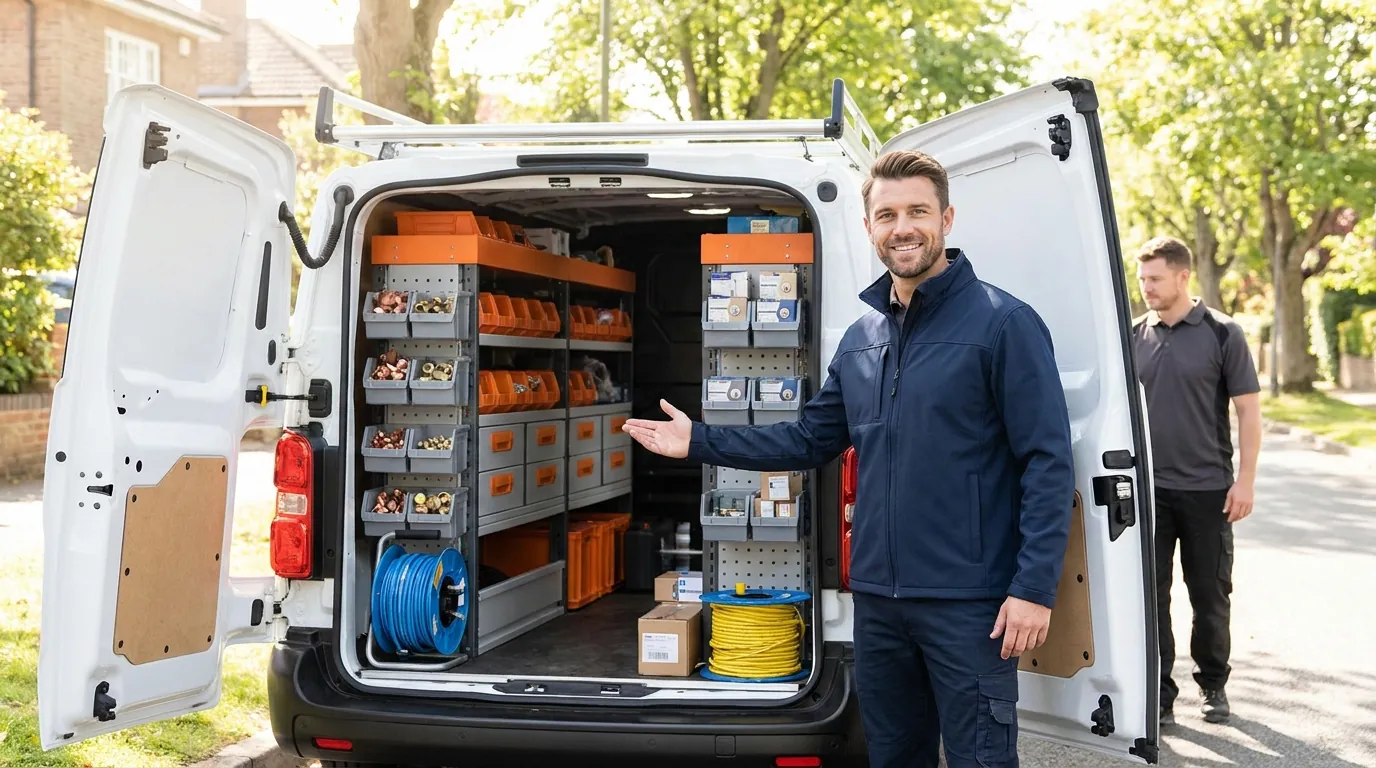
A forgotten part means a second trip, a customer left waiting and a shrinking margin. Keeping track of van stock is not about complicated software: it is a handful of simple habits, kept up over time.
Why your van stock costs more than you think
In most small trade businesses, the stock in the vehicle is not tracked anywhere: it lives "in the technician's head". As long as everything goes well, that holds up. But three situations come up again and again:
- The missing part on site. You have to go back to the supplier or return the next day. The lost time is almost never invoiced.
- The double purchase. You buy another cylinder or fitting that was sitting at the bottom of a bin, because you did not know you had it.
- The dead stock. Hundreds of euros of parts tied up, sometimes damaged, that you never sell.
The good news: a five-step method sorts out most of it.
1. Organise the van by family, not by delivery
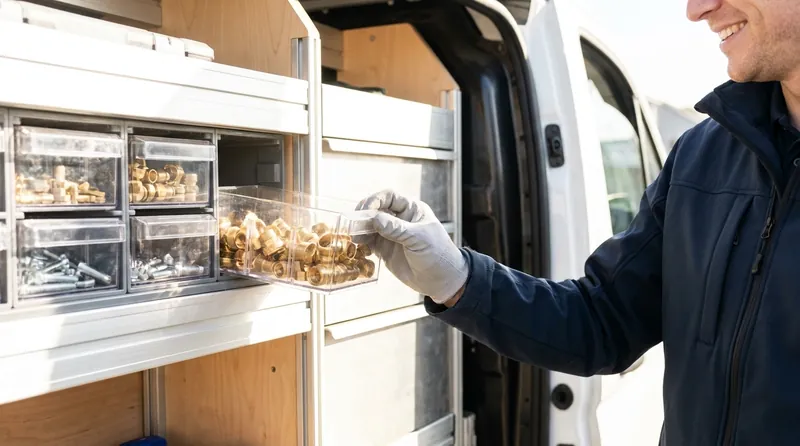
Before counting anything, give each family of parts a fixed place: screws and fixings, fittings, cylinders, consumables, electrical... One bin or drawer per family, always in the same spot. That is what lets anyone see at a glance whether something is left.
In a stock app, these families become categories: you find your items by category, exactly as in the van. And if your list already exists in an Excel file, it can be imported in a few clicks.
2. List what must always be on board
There is no need to track everything at first. Start with the 20 to 50 items that cost you a job when they are missing. For each one, note:
- the usual quantity on board;
- the alert threshold: the quantity below which you need to restock;
- the supplier reference, so you can reorder without searching.
The threshold is the key. For a part you fit twice a week and your wholesaler delivers in 48 hours, a threshold of 2 or 3 is enough. For a rare part, or one that takes a long time to get, set it higher.

3. Record every item taken out at the moment it happens
This is the step that holds everything together, and the one people drop first. The rule: the exit is recorded on site, not in the evening. By the evening, half of it is forgotten.
To make it sustainable, it has to be quick: scanning the part's barcode with your phone takes two seconds, where filling in a notebook or a spreadsheet takes thirty. When several parts go to the same job, a batch exit (you scan everything, then confirm once) saves repeating the operation.
Tip: enter the job number or the site name. You will then know exactly which parts went where, which also helps with invoicing.

4. Restock from alerts, not by gut feeling
Once the thresholds are in place, you no longer have to "do the rounds" of the van to know what to order: the list of low-stock or sold-out items is your shopping list. Sorted by supplier, it turns into a purchase order in a few minutes.
When the delivery arrives, record the receipt in one go rather than item by item: stock goes back up and you keep a record of the delivery note.
5. Check once a month
Even with good habits, gaps appear: a broken part, an oversight, something borrowed between colleagues. A quick stocktake once a month resets the counters. With a guided stocktake, item by item, you only record the differences, and it takes a quarter of an hour. We explain the method in Van stocktake: how to do it in 15 minutes.
And when you have several vehicles?
As soon as you have two vans and a workshop, the question becomes: where is the part? Stock tracked by vehicle and by workshop lets you find it without a phone call, and transfer it from one vehicle to another while keeping a record of the movement. It is also what lets the manager see the state of the whole fleet at a glance.
In short
- A fixed place for each family of parts.
- A short list of essential items, each with an alert threshold.
- Every exit recorded on site, by scanning.
- Orders placed from alerts.
- A quick monthly check.
Frequently asked questions
How many items should you track in a tradesperson's van?
Start with the 20 to 50 items that stop a job when they are missing. You can widen the list later, once the habit has stuck.
Is an Excel spreadsheet enough to manage the stock of a van?
To get started, yes, but it is rarely kept up to date: nobody fills in a spreadsheet on a job site. An app that scans barcodes and alerts you on low stock takes far less effort day to day. If you already have an Excel file, it can be your starting point and be imported.
How do you set the alert threshold for a part?
Take the quantity you use during your supplier's delivery time, plus a small margin. A part fitted twice a week and delivered in 48 hours can have a threshold of 2 or 3.
Read next
Article published on the VanStock blog: https://vanstock.app/en/blog/manage-van-stock-tradesperson/