Low Stock, Stockouts, Restocking: Never Leave Without the Part Again

Turning up at a customer's without the part is the scenario every tradesperson wants to avoid. A stockout almost never comes as a surprise: you can see it coming, provided you have the right signals in place.
Where stockouts come from
When you analyse stockouts in a vehicle, you almost always find the same causes:
- nobody noticed the stock was dropping;
- it was noticed, but the order was forgotten or put off;
- the order arrived, but the part stayed in the workshop;
- the part was in another vehicle, and nobody knew.
Each of these causes has a simple fix.
1. One alert threshold per item
The alert threshold is the quantity below which an item needs restocking. There are two states:
- Low stock: some is left, but less than the threshold. You need to order.
- Out of stock (stockout): none is left. Any job that needs it is at risk.
To set the threshold: take what you use during your supplier's delivery time, and add a small margin. The aim is for the order to arrive before the last part is fitted.
2. Get warned, instead of going to check
A threshold is useless if nobody looks at it. What changes everything is being alerted automatically when an item goes low, without having to open a spreadsheet. One notification per item and per event is enough: beyond that, you end up not reading them.
A daily summary (how many items are out of stock, how many are low) also lets you take stock every morning before heading out.

3. An order list, sorted by supplier
The second cause of stockouts is the forgotten order. Rather than jotting needs on a scrap of paper, start from the list of low-stock and sold-out items: that is your order list. Sort it by supplier, with the reference of each part, and ordering takes a few minutes, whether at the counter, by phone or on the supplier's website.
A clean purchase order, with your details and the references, also avoids mistakes on the supplier's side.
4. Record the receipt straight away
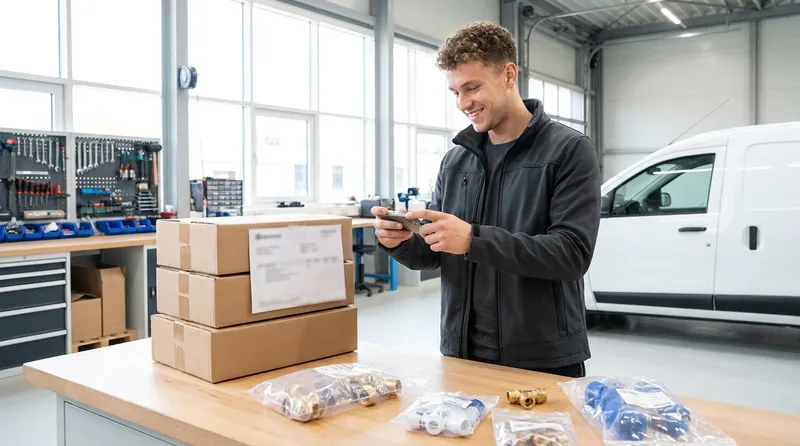
The part you ordered is only useful if it goes back into the stock of the right vehicle. When the delivery arrives, record the receipt in one go (supplier, delivery note number, quantities received) and keep a photo of the delivery note. Stock goes up, the alerts disappear, and you have a record in case of a dispute.
5. Know where the part is in the fleet
When you have several vehicles and a workshop, the "out of stock" part often exists somewhere else. A search across all stock tells you straight away where it is, and a (tracked) transfer between vehicles avoids an unnecessary order.
Bonus: job kits
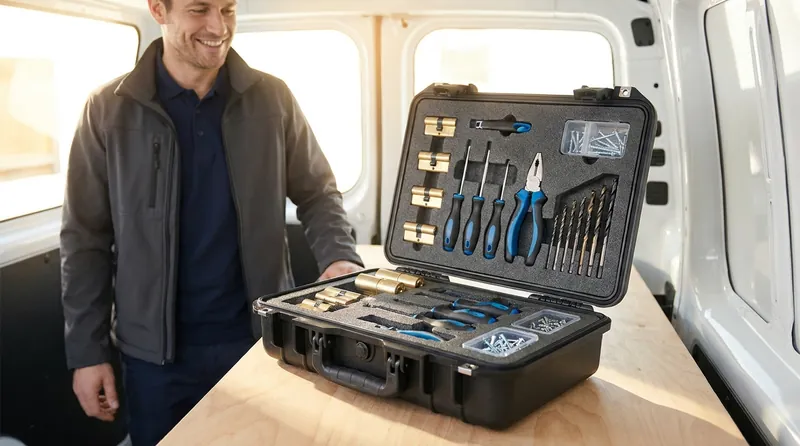
Some jobs always use the same set of parts: opening a door, replacing a lock mechanism, a standard connection. Grouping these parts in a kit lets you take them out in one go and, above all, check before leaving that the whole kit is on board.
In short
- One alert threshold per item, based on delivery time.
- Automatic alerts rather than manual checks.
- An order list by supplier, built from the alerts.
- A receipt recorded as soon as the delivery arrives.
- A view of the stock across the whole fleet.
And to keep these numbers accurate, a monthly stocktake: see Van stocktake: how to do it in 15 minutes.
Frequently asked questions
What is the difference between low stock and a stockout?
An item is low on stock when its quantity falls below the alert threshold: some is left, but you need to order. It is out of stock (sold out) when none is left at all.
How do you get warned when a part is running out in the van?
Set an alert threshold for each item and use a tool that sends a notification when stock drops below it, rather than checking the vehicle by hand.
What is a job kit?
A set of parts that are always used together for one type of job. You take it out of stock in one go and can easily check it is complete before you leave.
Read next
Article published on the VanStock blog: https://vanstock.app/en/blog/avoid-parts-stockouts-service-van/